Your WooCommerce checkout says a customer can pick up an order at 2:00 PM at a specific store. Square says that location needs four hours and just sold the last unit. That gap is where pickup trust breaks. Pickup promises are not a calendar problem; they are an inventory and data-sync problem. In retail omnichannel, every checkout promise must reflect live local stock and the real prep capacity of the fulfilling location.
This tutorial shows intermediate developers and merchants how to close that gap between Square and WooCommerce. We will first examine why multi-location pickup promises break, then review BOPIS and omnichannel expectations. Next, we will map where pickup time and local stock actually live. From there, we will implement how per-location prep times reach WooCommerce checkout and how live per-location stock gets to checkout. We will also cover what happens when a location's stock hits zero, including pulling its available slots. Finally, we will walk through a verification checklist and the steps that make the omnichannel promise real.
Why Multi-Location Pickup Promises Break
A customer picks a Saturday 10am pickup window at WooCommerce checkout, drives to the store, and finds the order still being picked. The store's real prep time never reached the checkout page. That failure is what this article explains.
One bad path, repeated five times
At one location, a bad promise is absorbable: someone calls, the order is rushed. Five locations turn the same broken path into a repeatable pattern of late orders, re-picked tickets, and refunds. Merchants feel this as a support problem when it is a synchronisation problem, one of the 7 retail challenges every Square and WooCommerce merchant faces.
Two failures, one counter
These failures get conflated because they surface at the same counter. A time failure means the slot is wrong: the item is on site but not ready. A place failure means the item is not at that location at all, so the slot was never viable. Different causes, identical experience.
The ripple
Counter staff are pulled off other tasks. Orders are rebuilt from stock reserved for another customer. Customers stop trusting pickup.
The thesis is mechanism-first: a pickup promise is accurate only when per-location prep time and location-scoped stock both reach WooCommerce checkout, and a location's slots disappear as its stock hits zero. This is not a definition of BOPIS. It is the data path that keeps the omnichannel promise honest.
BOPIS and Omnichannel Retail: What Customers Now Expect
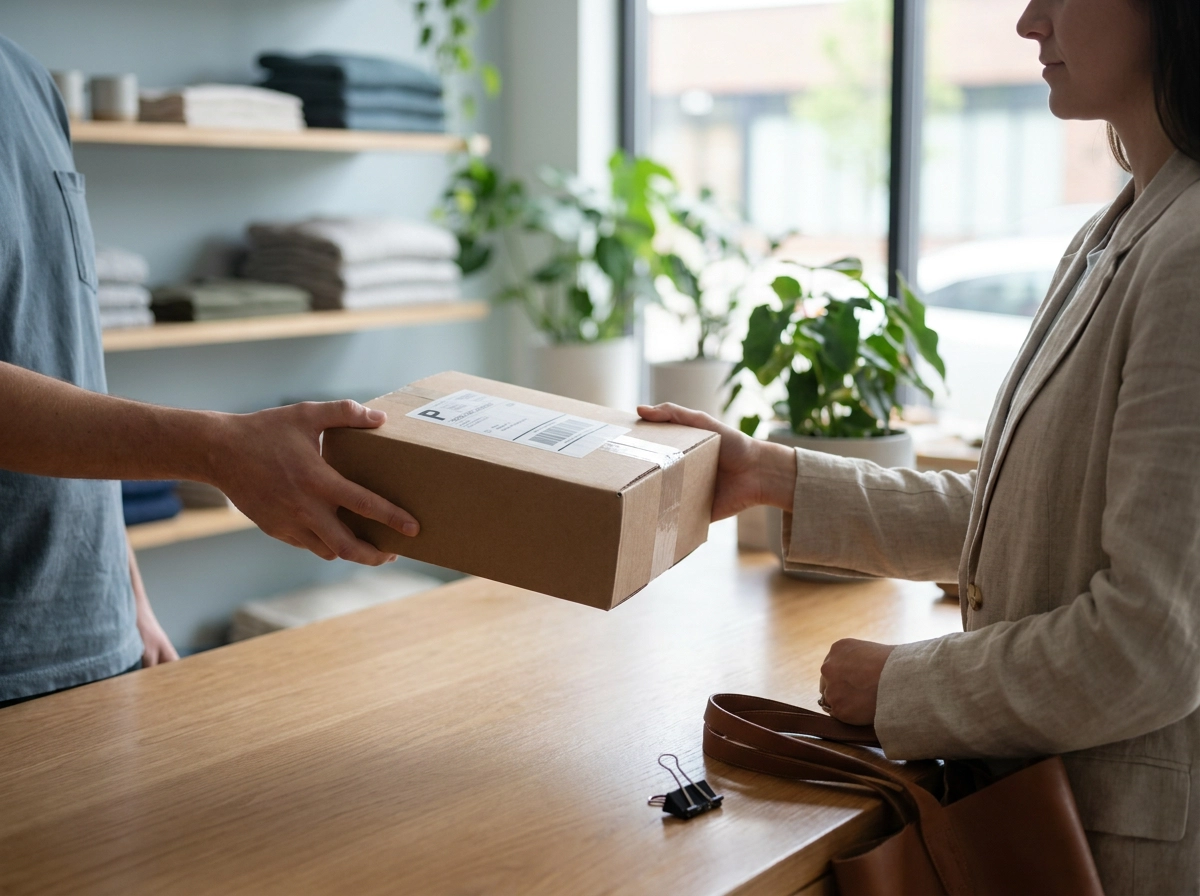
That data path matters because expectations have already shifted. Buy online, pick up in store lets customers browse and buy on the web, then collect from a physical store, skipping shipping fees and multi-day delivery waits. NRF describes BOPIS as a cornerstone of modern retail. NRF Big Show Europe (published 30 June 2025, updated 16 December 2025) projected the BOPIS market to reach EUR 74.4 billion by the end of 2025, growing at a 15% compound annual growth rate, and to exceed EUR 227.6 billion by 2033. It attributes rising use to widespread smartphone and internet access, which normalises buying anywhere and collecting locally.
In practice, retail omnichannel is not parallel channels. It is one shared commitment: inventory, orders and fulfilment promises are a single system viewed from two directions. That is what omnichannel in retail means operationally. And omnichannel for retail is judged at the counter, not in the dashboard. The digital promise made at checkout either matches the physical reality of the store or it does not, and the customer decides which. If you are comparing platforms for that promise, WooCommerce vs Shopify: Which Platform Wins in 2026? covers the trade-offs.
A gap worth flagging: the sources here support market sizing and BOPIS framing only. Platform mechanics in later sections are described as documented behaviour and should be verified against Square and WooCommerce documentation.
Where Pickup Time and Local Stock Actually Live
On the Square side, each location is its own record: a distinct address, business hours, and set of fulfilment options. It also holds operational reality that never reaches a checkout field, namely how long that store genuinely needs to pick and stage an order.
Square inventory is scoped the same way. Counts are tracked per location, so one SKU can sit at forty units in one store and zero in another at the same moment. Network-wide availability tells you nothing about the shelf the customer is walking to. Syncing those counts into WooCommerce is the how to sync Square inventory with WooCommerce step.
WooCommerce owns the promise. Storefront, cart, and checkout render what the customer sees, and pickup availability is expressed through shipping methods and local pickup options. Those settings describe your configuration, not a store's live capacity.
Without a bridge, checkout builds pickup options from a WooCommerce configuration that has no knowledge of which Square location holds the item, or how long that location needs.
The mismatch is crisp: checkout asks the customer when they want to collect, before it knows where the item is or how many sit on that shelf.
Manual workarounds decay. Spreadsheets, shared inboxes, and copy-pasted prep times drift within weeks as hours change, staff change, and stock moves.
How Per-Location Prep Times Should Reach WooCommerce Checkout
Mapping is the foundation: each Square location must become its own WooCommerce pickup method. The customer selects a real store rather than a generic "Pickup" option, and every downstream rule gains a location to attach to. A shared method leaves the slot logic with nothing to compute against.
Next, push each location's Preparation Time into checkout as a lead time. Instead of one flat store-wide window, the lead time shifts the earliest bookable slot forward, so a high-volume store with a 90-minute prep window offers a later first slot than a quiet store opening at the same hour.
Slot generation must then honour that location's own constraints: trading hours, last-order cutoffs, closed days, holiday blackouts, and any manual pause on same-day pickup while a store clears a backlog.
Recompute slots against live location settings instead of storing a copy. A prep time that held true in March will misrepresent a December rush, and a cached value silently over-promises until someone notices at the counter.
Test the mechanism with a same-day order at your busiest location. Confirm the first offered slot reflects that store's genuine prep window, not a global default inherited from your fastest site.
Getting Live Per-Location Stock to Checkout
Prep time alone does not guarantee the slot is honest. Checkout also needs to know whether the item is physically on that store's shelf. Sync Square's per-location counts into WooCommerce so local pickup availability reflects location-scoped stock, not a network-wide total. If you run several storefronts, the configuration patterns in The WooCommerce Multi Store Model: Sync Square Across Locations are worth mapping before you wire eligibility rules.
Decide the eligibility rule explicitly. Is an item pickable only when in stock at the chosen location, or pickable anywhere with a ship-to-store leg? The rule changes which slots and methods checkout should offer.
Handle variants and modifiers carefully. Square tracks some configurations separately, so a parent-level count can hide a sold-out size or colour. Sync at the variation level where Square does.
Set a safety buffer rather than syncing raw counts. In-store sales, returns and damaged goods land after the last cycle, so counts drift. A buffer absorbs that lag.
Keep the sync real time in both directions, so an in-store sale or an online order immediately reduces the count checkout uses.
A tool such as SquareSync for Woo can map Square locations and their inventory to WooCommerce and keep them updated in real time, removing the manual reconciliation step.
What Happens When a Location's Stock Hits Zero
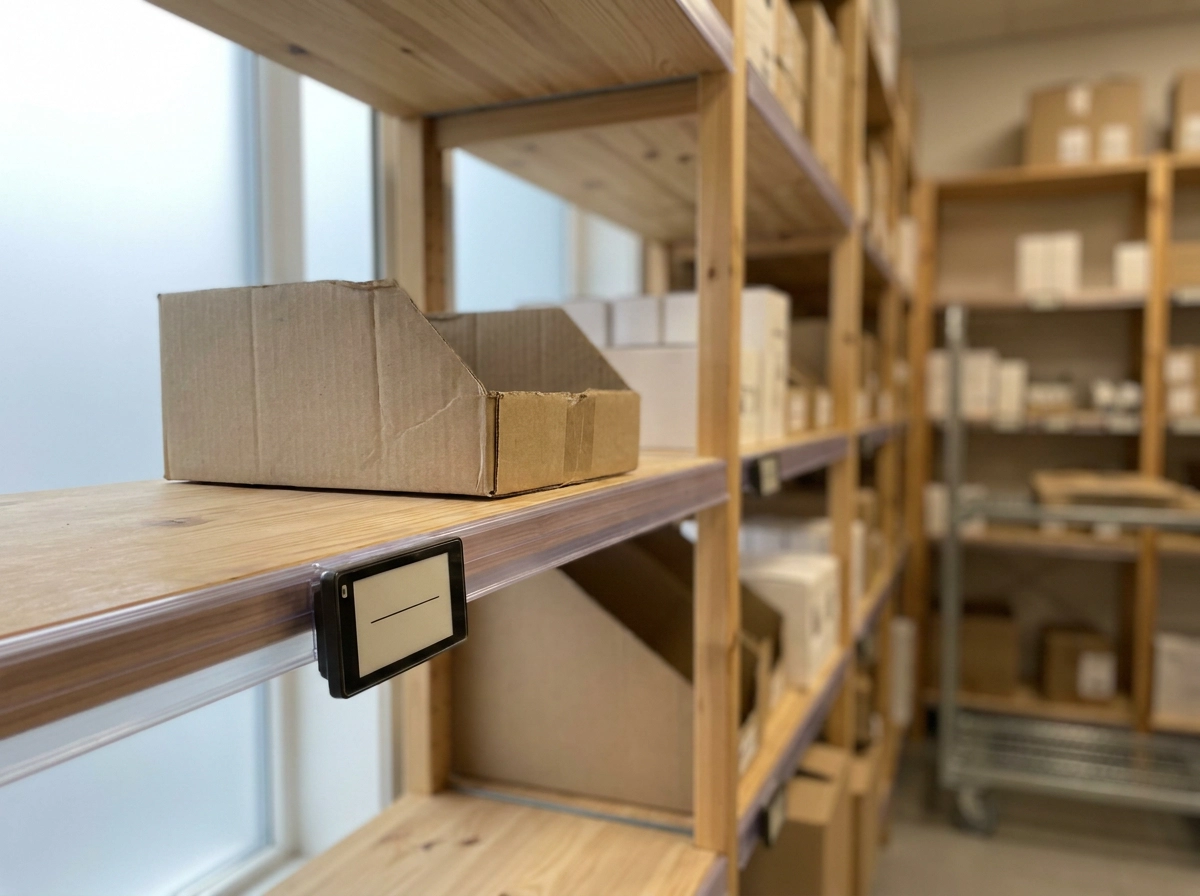
Once live counts reach checkout, the next rule follows from them. When a location's stock for the ordered items reaches zero, that location must stop offering pickup slots for those items. A pickup slot is a stated timeframe, and the FTC's Mail, Internet, or Telephone Order Merchandise Rule obliges sellers to reasonably expect they can meet it. Continuing to sell that slot is a compliance exposure, not just a poor experience.
Pick one of three suppression strategies per scenario: hide the location entirely for that order, hide only the affected items at that location, or fall back to ship-to-store with an honest longer timeframe. The third preserves the sale without pretending the item is on the shelf.
Trigger suppression on a threshold, not true zero. The window between the last in-store sale and the next sync is where checkout keeps promising slots for stock that is already gone. A one to two unit buffer closes that gap.
Remove the unavailable location from the options at checkout, before payment. Letting the customer discover the problem on arrival turns a configuration detail into a refund and a broken pickup habit.
Restore availability automatically when replenishment or a stock transfer syncs in. Manual re-enabling leaves recovered stock invisible, so recovered inventory sits unsellable. The same sold-out and stock behaviour rules should govern how variants and modifiers reappear.
Log every suppression event with a timestamp and location. That log separates genuine demand from a sync delay quietly costing orders, and shows where thresholds need tuning.
A Verification Checklist for Accurate Pickup Slots
With suppression thresholds and event logs in place, accuracy still depends on periodic verification. Run these checks at least monthly, and repeat them after any change to locations, trading hours, or staffing.
- Location-to-method mapping. Confirm every Square location maps to exactly one WooCommerce pickup method. Two stores silently sharing a method collapse their prep times and stock into a single promise. Use your Local Pickup Mapping reference when auditing this.
- Per-location prep time. Confirm prep time is configured per location, not inherited from one global default. A global value flatters your fastest store and over-promises at every other one.
- Location-scoped inventory. Confirm checkout reads stock at the selected store, not network-wide. Order an item that is plentiful overall but at zero at that location; pickup should not be offered there.
- Negative test. Set one location's stock for a test SKU to zero and verify its pickup slot disappears while other locations keep offering slots normally.
- Weekly review by location. Track missed or late pickups, manual overrides, cancelled orders after payment, and any gap between Square counts and WooCommerce counts.
- Incident notes. Record each case where a customer arrives before the order is ready. A recurring store name in those notes usually points to a prep time or sync setting rather than staff performance.
Work through the flagged location first, then re-test before scaling the change to the rest of your network.
Making the Omnichannel Promise Real
The checklist confirms configuration; these four actions turn it into an operating practice. The pickup promise is an inventory problem in disguise, and it stays accurate only when per-location prep time and location-scoped stock both reach WooCommerce checkout.
Map locations and set prep times. This week, assign every Square location its own WooCommerce pickup method, then replace any global prep time with a per-location value. A high-volume store and a quiet one with identical trading hours should not offer the same first slot.
Sync stock in real time. Enable live per-location inventory sync so checkout stops offering slots for items sitting at zero on that store's shelf. Pair this with the principles in our WooCommerce inventory management guide to keep counts trustworthy between sync cycles.
Suppress before zero. Set a safety threshold that pulls a location's slots before stock reaches true zero, then restores them automatically when replenishment or a transfer syncs in.
Test and measure monthly. Run the negative test every month and track missed pickups by location. Omnichannel for retail is measured at the counter, not in the settings page.
When the slot, the stock, and the store agree, pickup stops being a support ticket and becomes the reason customers choose you over a pure e-commerce competitor.
Conclusion
Accurate pickup promises start with location-level truth: every Square store needs its own WooCommerce pickup method and prep time, live per-location stock must reach checkout, and safety thresholds should suppress slots before inventory truly hits zero. Then test monthly, track missed pickups by location, and fix gaps before customers feel them.
If your slots, stock, and stores still disagree, start this week. Map each location, replace global prep times, enable real-time inventory sync, and run the negative test. The payoff is simple: fewer support tickets, higher conversion, and pickup that earns repeat business. Make every location’s promise one customers can trust, one accurate slot at a time.
FAQS
Why do multi-location pickup promises break between Square and WooCommerce?
They break because checkout builds pickup options from a WooCommerce configuration that has no knowledge of which Square location holds the item or how long that location needs to prepare it. The store's real prep time and location-scoped stock never reach the checkout page, so the customer is asked when they want to collect before checkout knows where the item is or how many sit on that shelf.
What is the difference between a 'time failure' and a 'place failure' in pickup?
A time failure means the slot is wrong: the item is on site but not ready when promised. A place failure means the item is not at that location at all, so the slot was never viable. They have different causes but produce an identical customer experience at the counter.
How do per-location prep times actually reach WooCommerce checkout?
Each Square location must first become its own WooCommerce pickup method, so rules have a real location to attach to. Then that location's Preparation Time is pushed into checkout as a lead time, shifting the earliest bookable slot forward. Slot generation must honour each location's own trading hours, last-order cutoffs, closed days, holiday blackouts, and manual pauses, and should be recomputed against live settings rather than cached values.
Why should I suppress pickup slots before stock hits true zero?
There is a window between the last in-store sale and the next sync where checkout keeps promising slots for stock that is already gone. A one to two unit safety buffer closes that gap. Once a location's stock for the ordered items reaches the threshold, that location should stop offering pickup slots for those items, either by hiding the location, hiding the affected items, or falling back to ship-to-store with an honest longer timeframe.
How do I verify that my pickup slots are actually accurate?
Run a monthly checklist and repeat it after any change to locations, hours, or staffing. Confirm every Square location maps to exactly one WooCommerce pickup method, prep time is set per location rather than inherited from a global default, checkout reads location-scoped stock, and a negative test hides a zero-stock location's slot while others keep offering slots. Also track missed or late pickups, manual overrides, and cancelled orders by location, and record incident notes when customers arrive before orders are ready.